
The schedule your super will actually update.
Because he can do it from the job, on his phone, in the rain. Everybody's in.
$199 a month. Unlimited jobs. Unlimited users. No contracts.
It doesn't start with a bad plan.
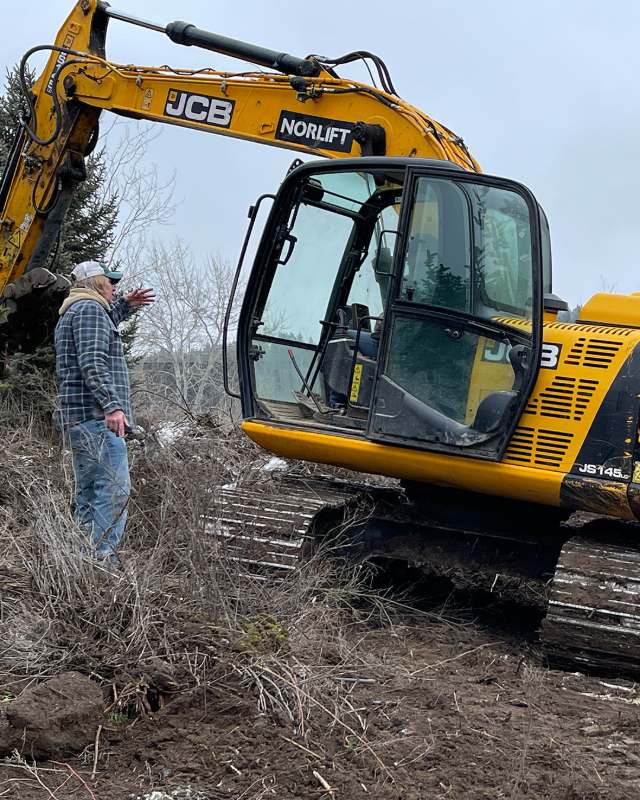
Your super is standing in mud with cold hands. The schedule is on a whiteboard back at the office, or in a spreadsheet he can't read on a phone. So he doesn't update it. Nobody does.
By Thursday the schedule is a week behind the job. The framer shows up to a slab that isn't poured. The windows land three weeks early and sit out in the weather. The inspector comes on a day nothing is ready. The client calls, and you don't have an answer that's true.
None of that started with a bad plan. It started with a tool nobody picked up.
Watch it happen.
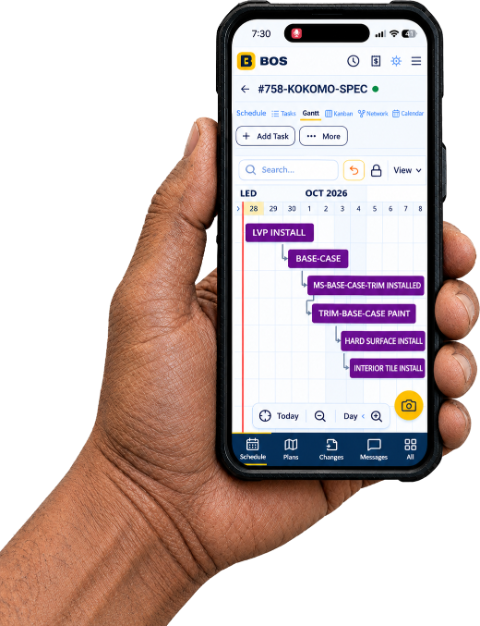
Move one task and everything that waits on it moves too: the trades, the inspections, the milestones. It is the same schedule on the phone in your super's pocket, the iPad on the jobsite and the computer in the office. No pinching, no zooming, no driving back to fix it. If your super can't do this, your schedule is a document, not a plan.
What it replaces
- The spreadsheet you rebuild every job
- The whiteboard nobody updates after Tuesday
- The text threads where decisions go to die
- The folder of PDFs on somebody's desktop
- The photo app with four thousand unsorted pictures
- The separate time app you pay for anyway
Three people who share nothing. One system.
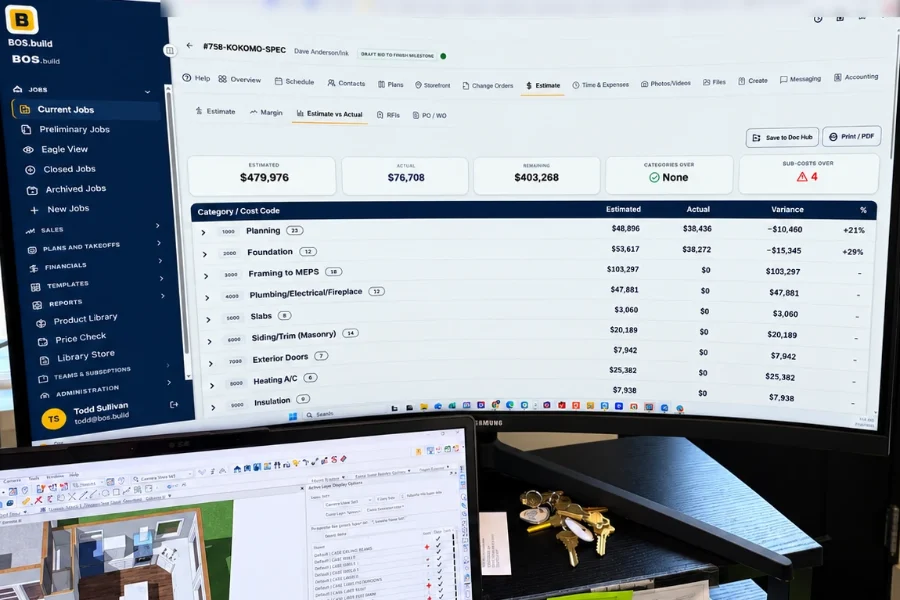
The office
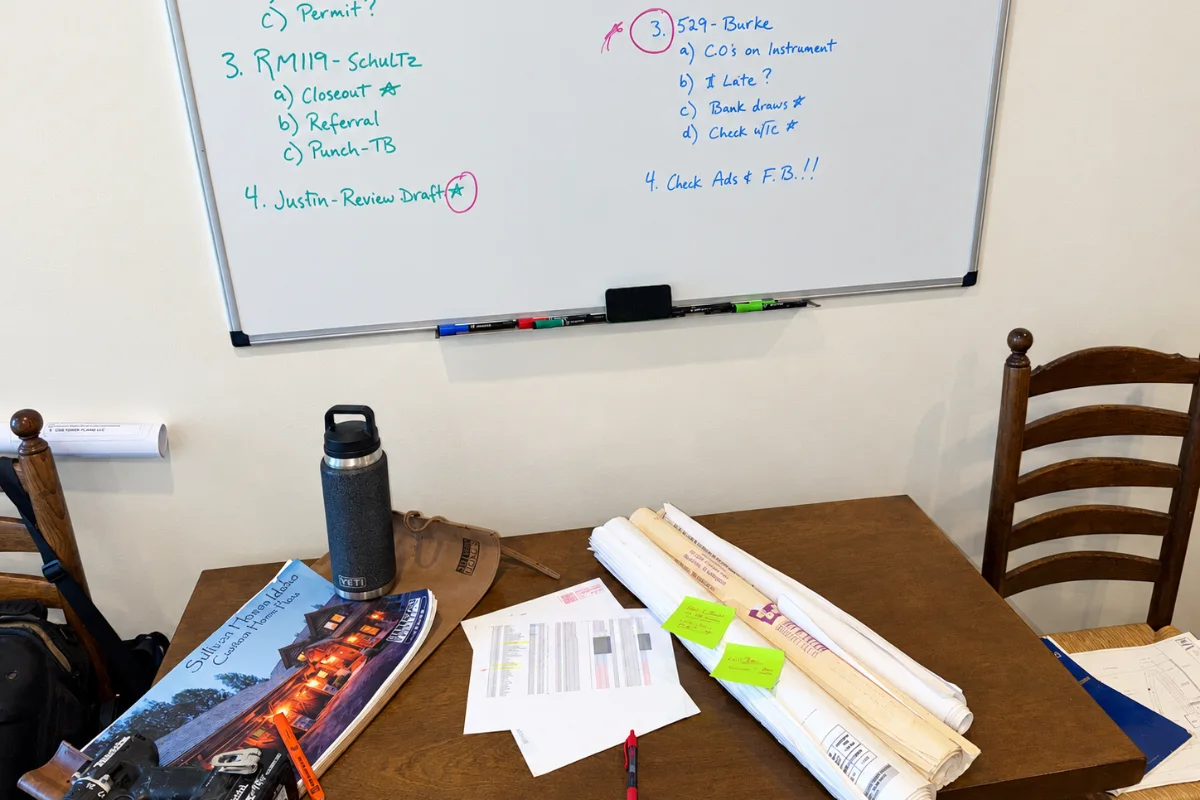
Your admin never retypes a number. The estimate, the invoices, the payables and the draw all read from the same job. What goes to the lender matches what you bid, because it is the same record.
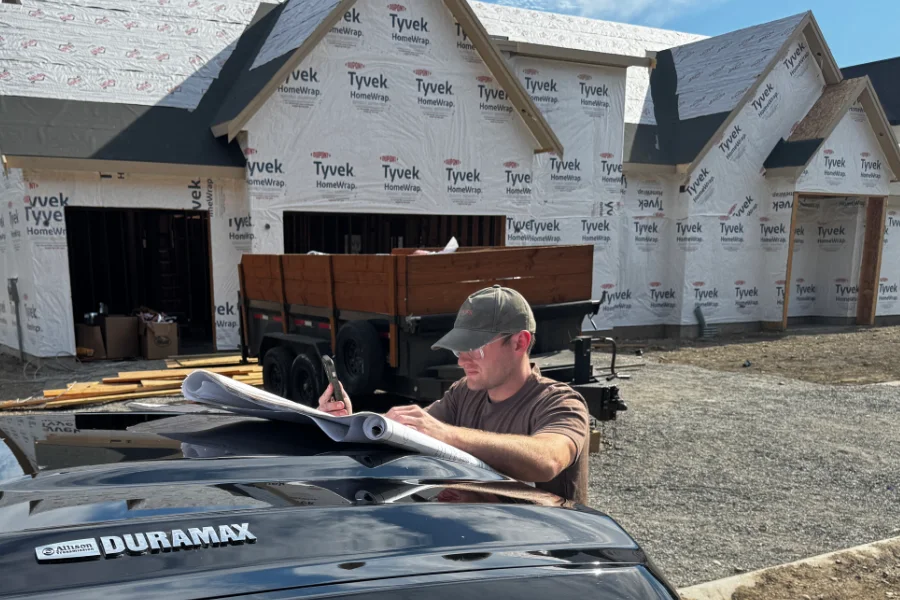
The field
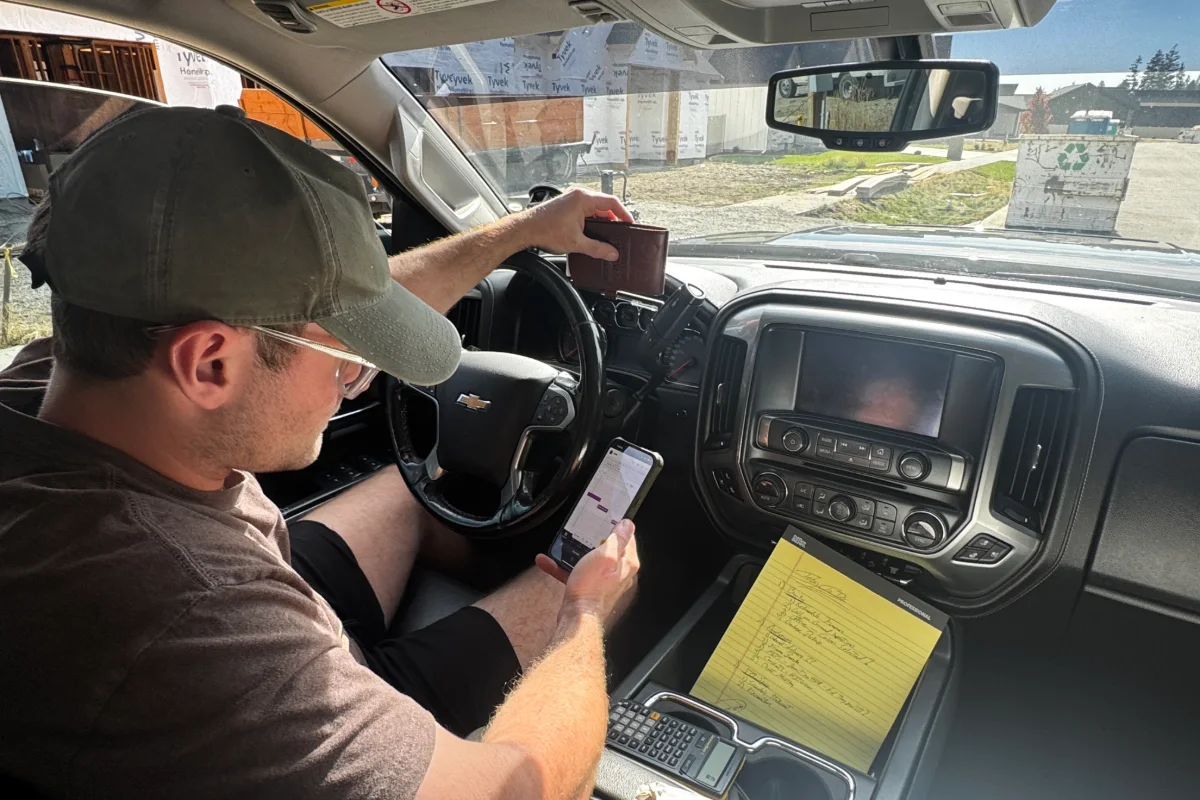
Your super opens one screen in the truck. Today's tasks, this week's schedule, the current plan set, the photos he just took. Big type, big targets, gloves on. Nothing to explain to him.

The client and the subs
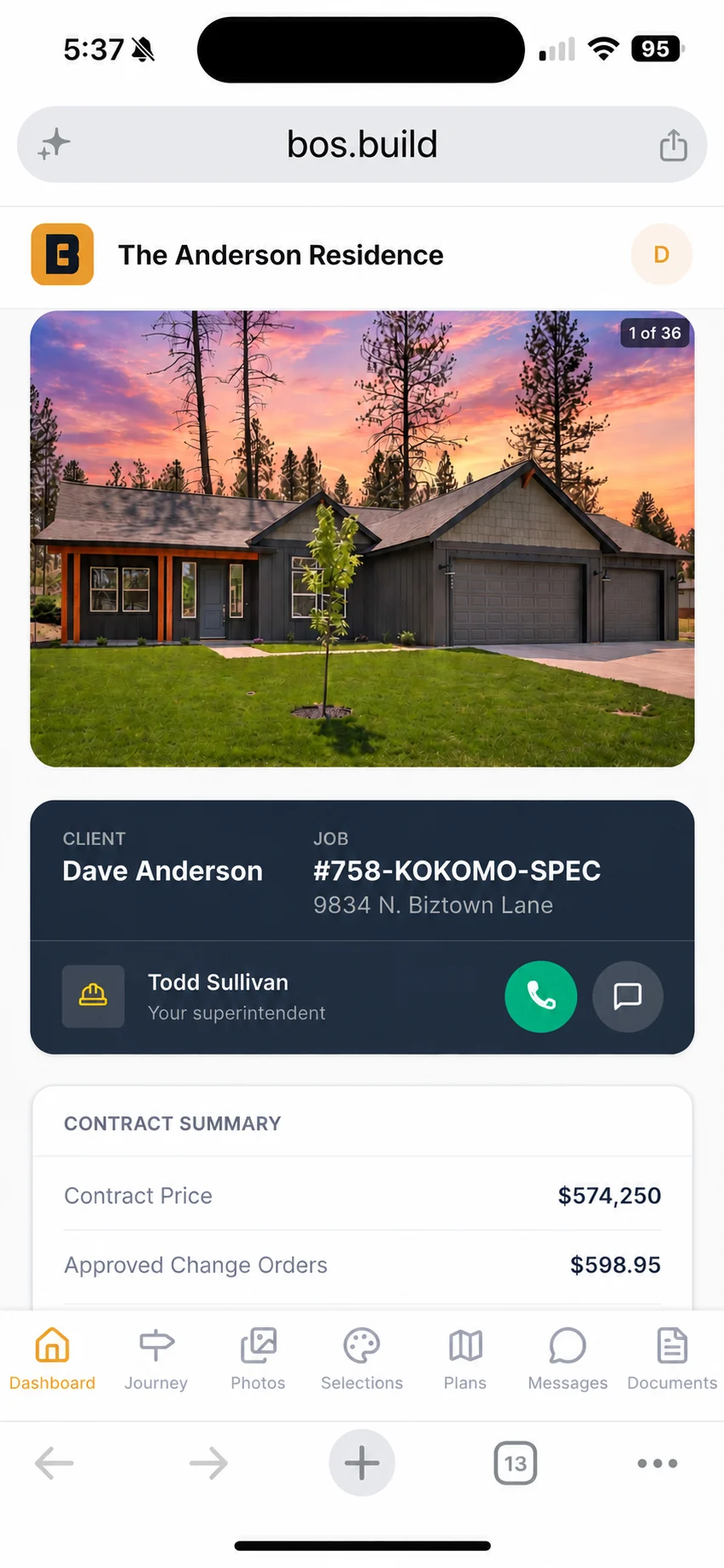
Your client watches their own house go up and picks their own finishes. Your subs get a link, open it, and get to work. Neither one downloads anything.
Your client sees their own house.
Every client wants to know two things: what happened this week, and what it cost. Answer those before they ask and the Tuesday phone call stops.
They get their own way in — progress on their job, the photos your super already took, their documents, and their selections. When it is time to choose tile or cabinets or hardware, they choose it themselves, on their own couch, and see what the upgrade does to the price before they commit. A signed upgrade lands back on the job's money without anybody retyping it.
No app to download.
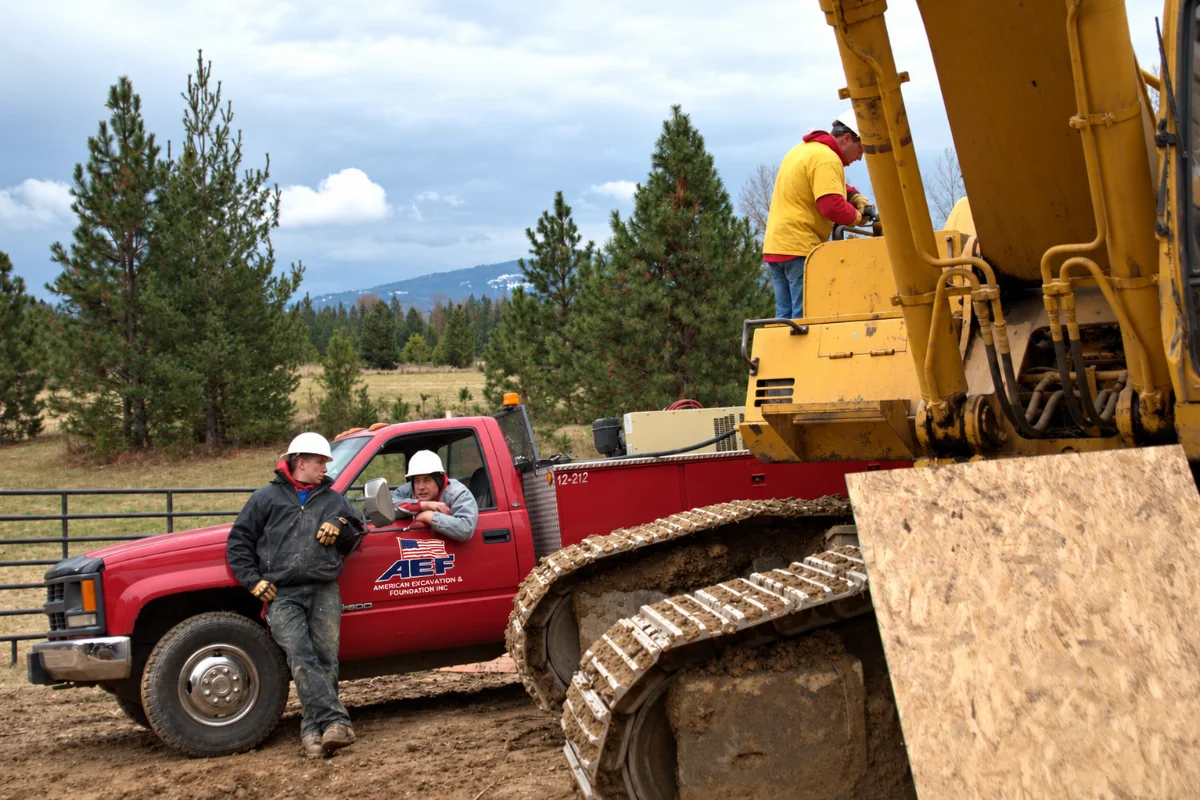
Your subs never make an account.
Half your subs won't use email. One of them still faxes from the copy shop. Asking that man to create a password and learn a new app is how software gets abandoned in the first month.
So we didn't. Your sub gets a link to the one thing he needs — the plan, the bid, the schedule he's on — and he opens it. No login, no app, no training, nothing for you to chase. That is a decision, not a gap.
One number, start to finish.
Most builders run the money in stages, and every stage is a different file. The estimate lives in one spreadsheet, the budget in another, the invoices in the accounting program, and the draw gets rebuilt by hand every month because nothing agrees with anything.
Here the estimate carries its own margin into the contract price. Your POs and work orders show as committed dollars the day you issue them, so you can see what the job owes before the invoice arrives. Actual cost lands against the same lines you bid. Variance is the difference, not a report somebody assembles. The draw reads from all of it. And it talks to QuickBooks.

Built by a builder. On his own jobs.
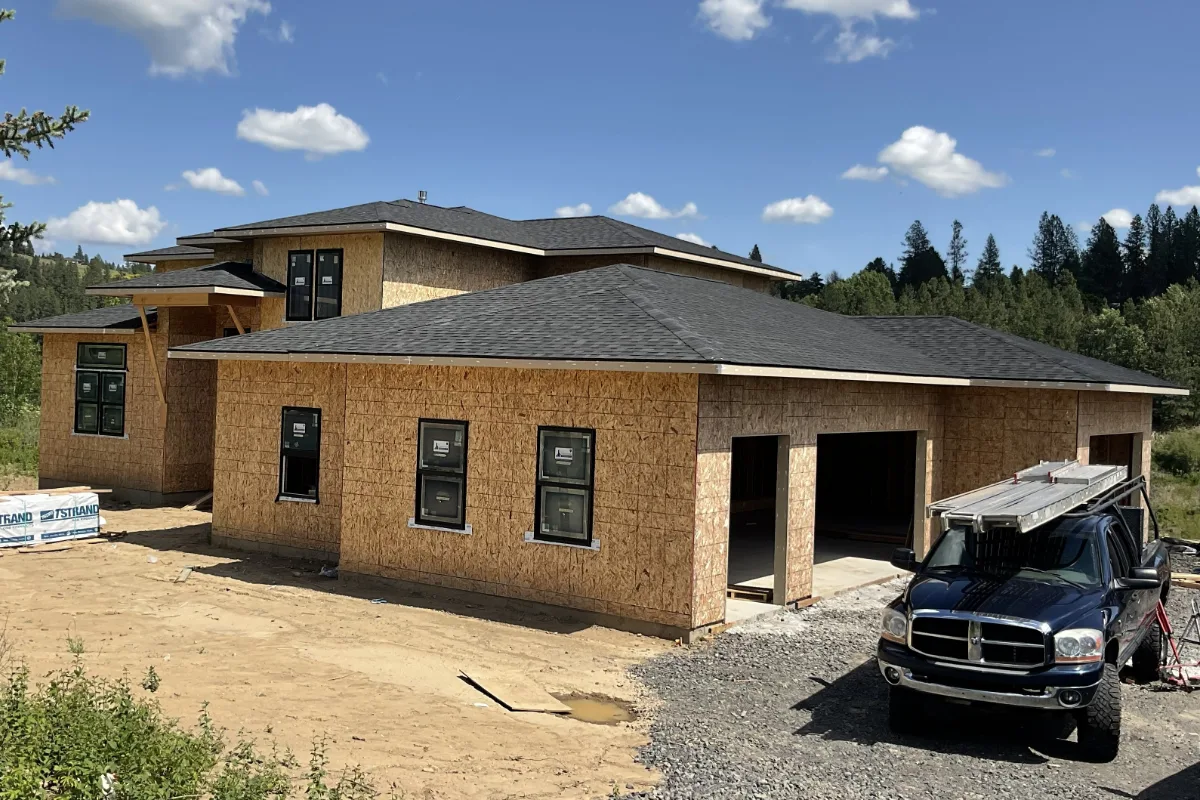
Todd Sullivan has been building houses for forty years and still runs Sullivan Homes in North Idaho. BOS was not designed in a meeting. It was built over ten months against his own live jobs, and every screen on it got corrected by somebody who had just come off a site annoyed about something.
His company runs on it today. When something here doesn't work the way a builder thinks, it gets found the same week — usually by him, usually in a truck.
It's already set up.
Starting a company is hard enough without a blank screen asking you to build your own cost codes.
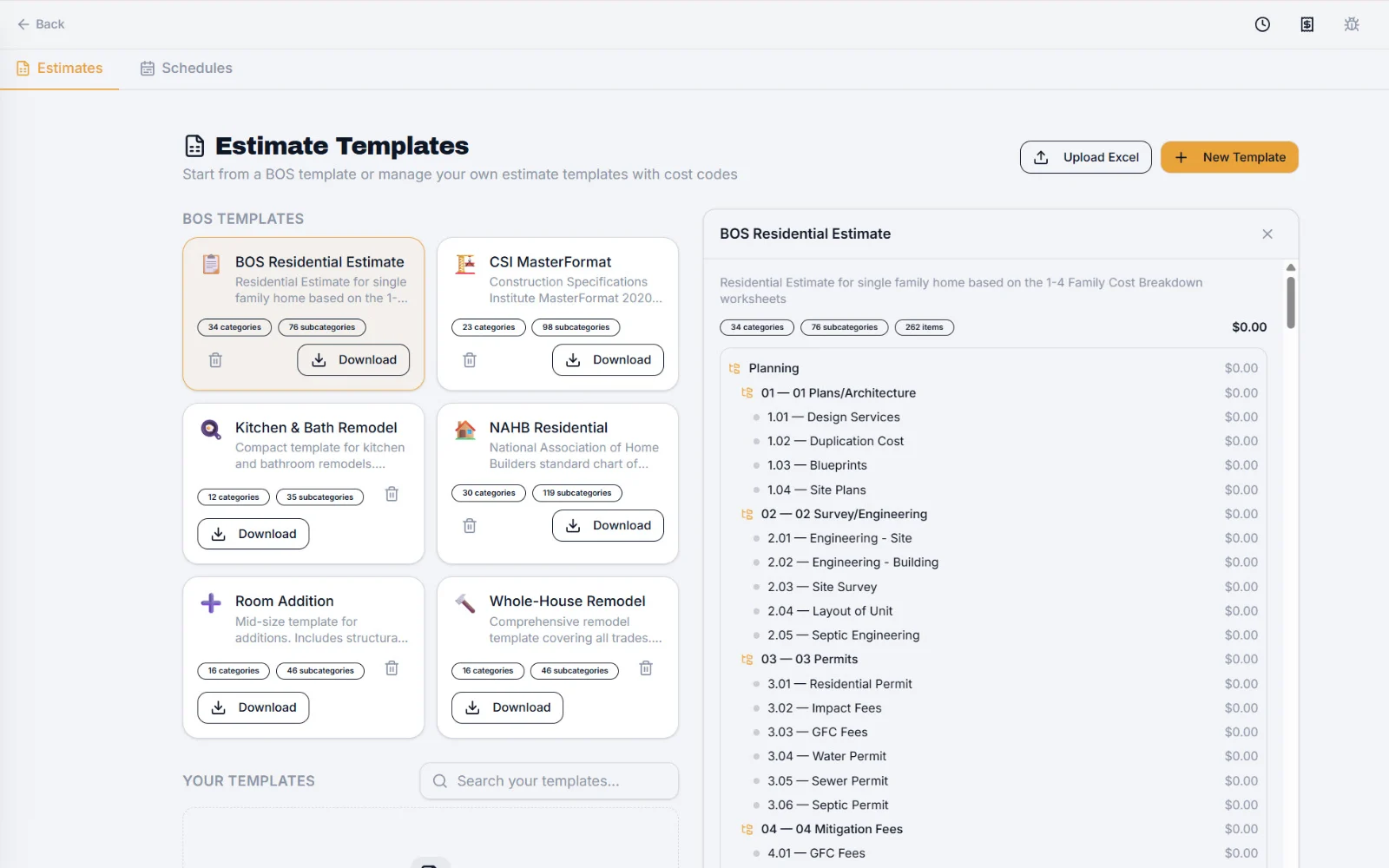
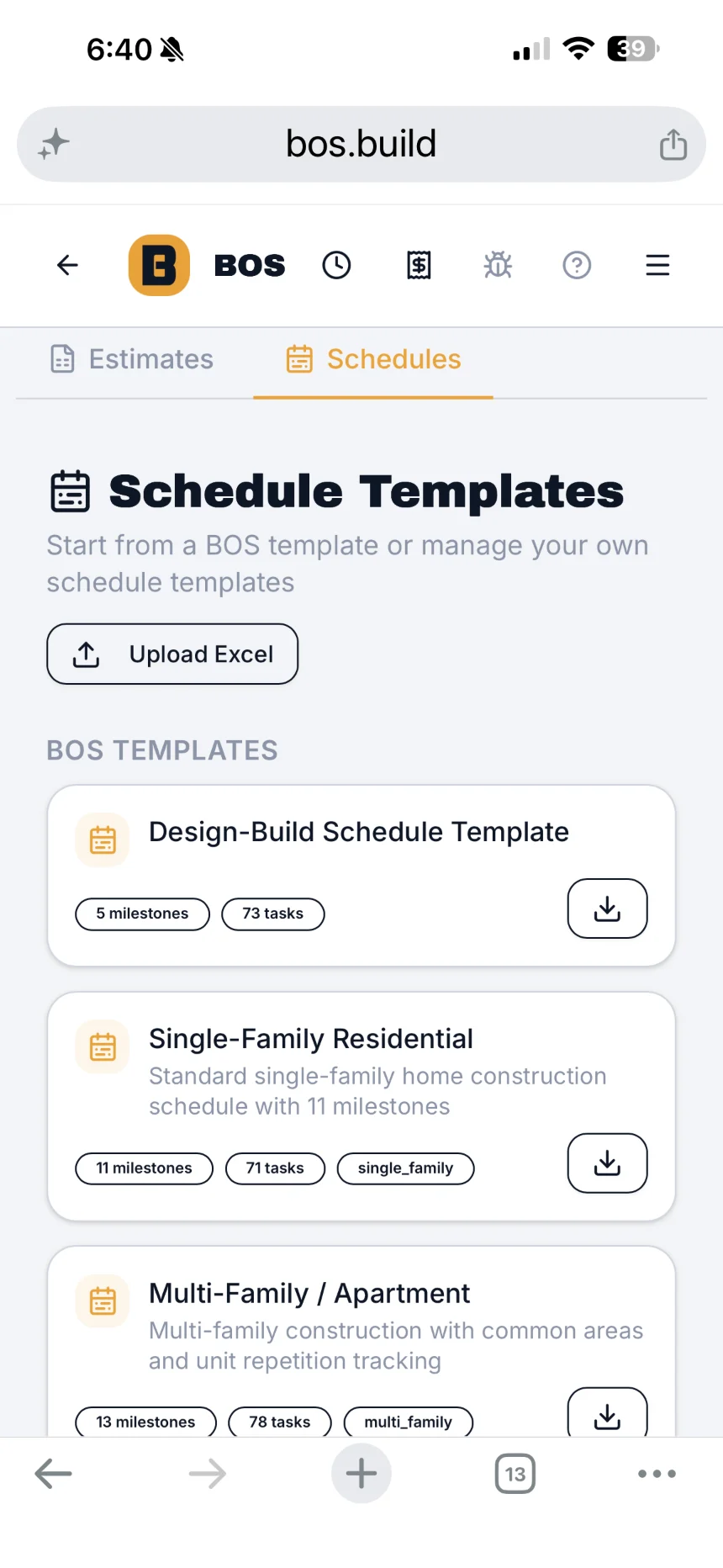
BOS opens with a working homebuilder's set-up already in it — 261 cost codes sorted into sections, estimate templates for new homes and remodels, schedule templates, and contracts, change orders, invoices and field forms ready to put your logo on. A sample job to walk through is on its way, and it goes into every account when it lands.
Add your logo, your signature, your company details and your contacts, and you are running a real job the same day.
One price. Everybody's in.
$199/month
$199 a month. Unlimited jobs, unlimited users, no contracts.
A user is anybody you put on it — office, supers, crew, labour. Charging you per person is how software ends up with your field left off it, and a tool your field isn't on is the tool that goes stale.
The things you're already thinking.
I already have something. What happens to it?
You keep running it until you don't need it. Most builders start BOS on one job, not all of them — put the next one you start into it and see how the first month goes before you move anything else.
What happens to my data if I leave?
It is yours and it comes out. Estimates, jobs, documents and photos export, and we do not hold your files hostage to keep you subscribed. PLACEHOLDER — Todd to confirm the exact export path before launch.
Will my guys actually use it?
That is the only question that matters, and it is the reason the whole thing is built phone-first. Your super doesn't get trained, he gets a screen with today on it. If he won't pick it up, nothing else on this page is worth anything.
What if it turns out not to be for me?
Cancel it. No contracts, no term, no exit call with anyone.
Do my subs and clients need an account?
No. Your subs get a link and never make a login. Your client gets their own portal without downloading an app.
How long does it take to set up?
It is already set up when you open it — a working builder's cost codes, estimate and schedule templates and document set are in there on day one. Add your logo, your company details and your contacts and you are running.
Does it work for remodels, or a duplex?
Yes. Remodels run the same way a build does. A duplex or a triplex runs as one job, which is how most builders track them anyway.